

How to Document Co-Parenting Communication for Court
Every family-law attorney has the same advice: document everything. Almost no one explains how in a way you can actually do on a Tuesday night. This is the practical version.

What documentation is actually for
"Document everything" sounds defensive. In practice it's the opposite — good documentation is the thing that lets you stop replaying every conversation in your head. The record is doing the work so you don't have to.
It serves three purposes:
-
Evidence for future hearings. Modifications, contempt motions, custody changes — these happen years out, when memories disagree.
-
A reality check. When your ex tells you "you always do X" or "you agreed to Y," a clean record settles it instantly — for both of you, often privately, before it escalates.
-
Communication with your professionals. Your attorney, therapist, parenting coordinator, or mediator can read a clean record in 15 minutes that would take you an hour to explain.
The four properties courts look for
1. Timestamps that can't be altered
Server-side timestamps tie a record to when it actually happened, not when a user says it happened. Text messages have device-side timestamps that can be (rarely) manipulated, but more importantly are awkward to authenticate. App-based timestamps from a third-party platform sidestep the question entirely.
2. Immutable history
If a message can be silently edited or deleted after sending, the entire record is suspect. Look for platforms where edits leave a trail and deletions leave a tombstone — "this message was deleted at 4:32 PM on June 3" is itself a useful record.
3. Completeness
Selective screenshots are the bane of family-court evidence. A judge wants to see context — not just the message you flagged, but what came before and after it. Full-thread exports beat screenshots every time. Your attorney will thank you.
4. Clean exportable format
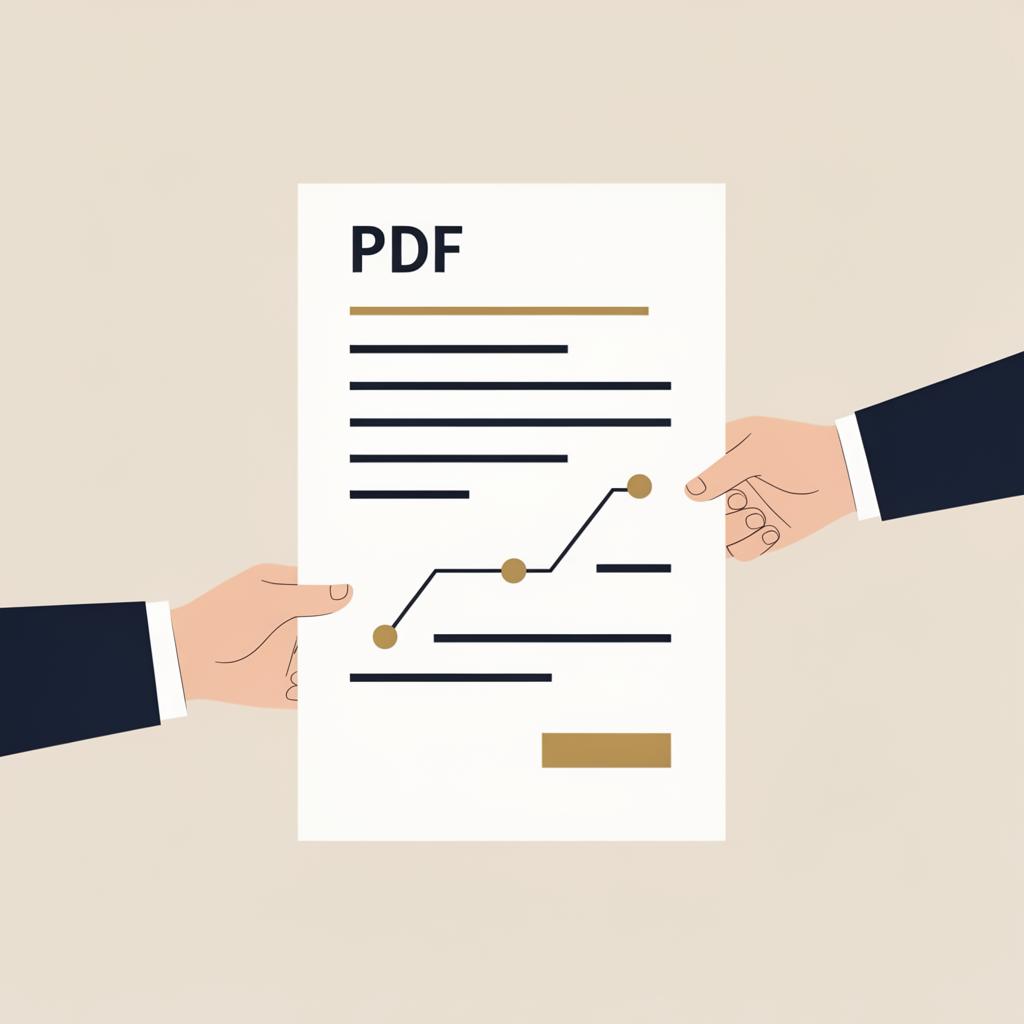
A PDF organized by date, with a date-range header, attributed entries, and page numbers. Something a judge or clerk can read in five minutes without scrolling through emojis or hunting for context.
What to document, by category
Communication
Every non-emergency exchange in one written channel. No texts, no phone calls (unless the call itself is the issue), no front-door conversations. One channel, one source of truth, full thread retained.
Schedule and exchanges
Every regular custody day. Every deviation — accepted or declined, in writing. Late pickups (with the actual arrival time, not "she was late again"). Missed exchanges. Last-minute changes. The shared calendar plus written change requests handles 95% of this passively.
The child's well-being
Things you observe in your custody time that may matter later: notable behavior changes at handoffs, statements from the child about events at the other house (use exact quotes, with date and context, and don't lead the child), illnesses or injuries that occurred during the other parent's time, medications administered.
Be careful here. Documentation about the child should be factual, not editorial. "Returned from Dad's at 6pm with a bruise on left elbow, child said he fell off bike, applied ice" is useful. "Dad is neglectful and the child is always upset" is not.
Finances and expenses
Every shared expense for the child: medical, school, activities, clothing. Receipt attached, category labeled, split amount calculated, and the request to the other parent in writing with the response. Don't reconstruct this at tax time — let the app do it as you go.
Promises and agreements
Any agreement made outside the court order gets put in writing immediately afterwards. "Confirming our conversation: you'll cover summer camp tuition, I'll cover the camp uniform. Let me know if I have that wrong." Silence is acceptance. A non-confirmation message is documentation that the agreement didn't happen.
Built into CoParent Circle. Every message is timestamped server-side and immutable. The shared calendar tracks every change request. Expenses keep receipts and splits together. One-click court-ready PDF reports for any date range. See court-ready reports →
What NOT to document
- Your emotions. A journal is great for processing; it's not court evidence. Keep the two separate.
- Speculation about the other parent's motives. Document what they did, not why you think they did it.
- Editorial commentary. "She's a terrible mother" is harmful. "She missed the 6pm exchange by 90 minutes without notification" is evidence.
- Leading questions to the child. "Did Mommy hit you?" is unusable. "Tell me about your day" is fine.
- Recordings without checking your state's law. About a dozen states are two-party consent. Get this wrong and the recording is inadmissible plus possibly criminal.
Make documentation passive, not active
The single biggest predictor of whether documentation actually happens is whether it requires extra effort. Anything that takes more than a few seconds will be abandoned within a month, no matter how disciplined you are.
Set yourself up so the record builds itself:
- One messaging channel. All non-emergency communication routed through a single co-parenting app, not text + email + Venmo + Facebook Messenger.
- Shared calendar with change requests. Schedule deviations happen inside the calendar, not in side-channel texts.
- Receipt scanning at the point of purchase. Snap the receipt, categorize, submit the split — 20 seconds in the parking lot.
- Quarterly export. Generate a PDF report every three months and store it somewhere. If you ever need it, you have it. If you don't, you've lost nothing.
When to share the record with your attorney
Two triggers:
- Any acute incident (missed exchange, refused medical decision, concerning statement from the child). Send the relevant export immediately, even if you don't know whether you'll act on it.
- Routine quarterly review. Give your attorney per-case access so they can scan recent activity without you having to triage what's important.
Per-case access (where your attorney logs into their own account and sees only your case) is dramatically better than emailing PDFs or sharing a login. It also means your attorney's clock isn't running while they wait for you to email them an export.
The format that holds up
What a useful court-ready PDF report contains, in order:
- A date-range header (e.g. "Co-parenting record · January 1 — June 30, 2026").
- A summary line: total messages, total schedule events, total expenses logged.
- The message thread, in chronological order, with each entry showing timestamp, sender, and content.
- Calendar events and any change requests, with status (accepted, declined, pending).
- Expenses, with receipts attached or referenced.
- Page numbers throughout.
That's it. The report doesn't need to be flashy. It needs to be scannable, complete, and pre-organized so the judge or attorney doesn't have to do the organizing themselves.
A record that builds itself. One-channel messaging, shared calendar, structured expenses, immutable history, and one-click court-ready PDF reports for any date range. Per-case professional access included. Free to start. See pricing →
Related reading: What "court-approved" actually means · Co-parenting with a narcissist.
Frequently asked questions
- What kind of co-parenting communication is admissible in court?
- Text messages, emails, voicemail recordings (in most states), and messages from co-parenting apps are all routinely admitted as evidence in family court. The format matters less than the four properties courts look for: timestamps, authentication, completeness, and a clean exportable form.
- Should I screenshot every text message my ex sends?
- Screenshots work, but they're slow, easy to selectively quote, and require authentication (often via phone forensics). A co-parenting platform with immutable history produces the same evidence pre-organized, pre-authenticated, and exportable as a PDF a judge can actually read.
- Can I record phone calls with my co-parent?
- Recording laws vary by state. About a dozen states require both-party consent — recording without it can be a crime and the recording will be inadmissible. The other states allow one-party consent. Check your state's law first, and when in doubt, route everything through written messaging instead.
- How far back should I keep co-parenting records?
- Indefinitely. Family court matters can resurface years later — modifications, contempt motions, college decisions, custody changes when a child reaches a milestone age. A platform that retains your full history forever (without you having to manage backups) is the simplest solution.
- What does a court-ready PDF report actually look like?
- A clean date-sorted list of messages, calendar events, and (if relevant) expenses, with each entry showing the timestamp, the user who created it, and the content. Page numbers, a date-range header, and a short summary at the top. The goal is something a judge or clerk can scan in five minutes.
- Do I need to give my attorney access to my co-parenting app?
- It saves real time and money. Per-case professional access — where your attorney logs into their own account and sees only your case — beats sharing your password or emailing PDFs every week. Most modern co-parenting platforms support this, including the free tier of CoParent Circle.